LEXUS APP
CONNECTED & PERSONAL
Elevate your Lexus experience with our comprehensive, one-stop solution for all your needs.

With Lexus Connect, control, track, and check your vehicle status using three key functions.
- Remote Connect – Easily operate key functions of your vehicle with your mobile device.
- Safety Connect – Prevent your Lexus from being stolen by triggering security features directly through the application.
- Service Connect – Track your service history, estimate service costs, and view your vehicle’s warranty at any time.
* The applicability of features may vary across different car models.
REMOTE CONNECT
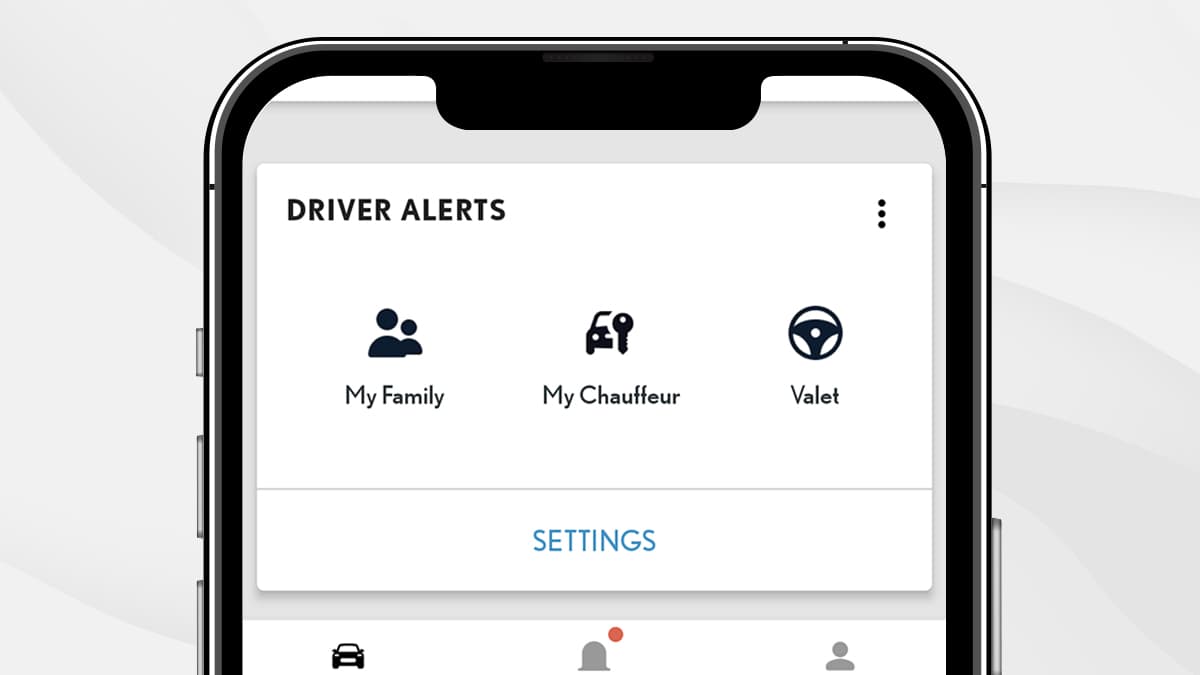
CHAUFFEUR OR FAMILY ALERT
With Lexus Connect, you can establish ideal parameters to ensure the safety and protection of anyone operating your vehicle.
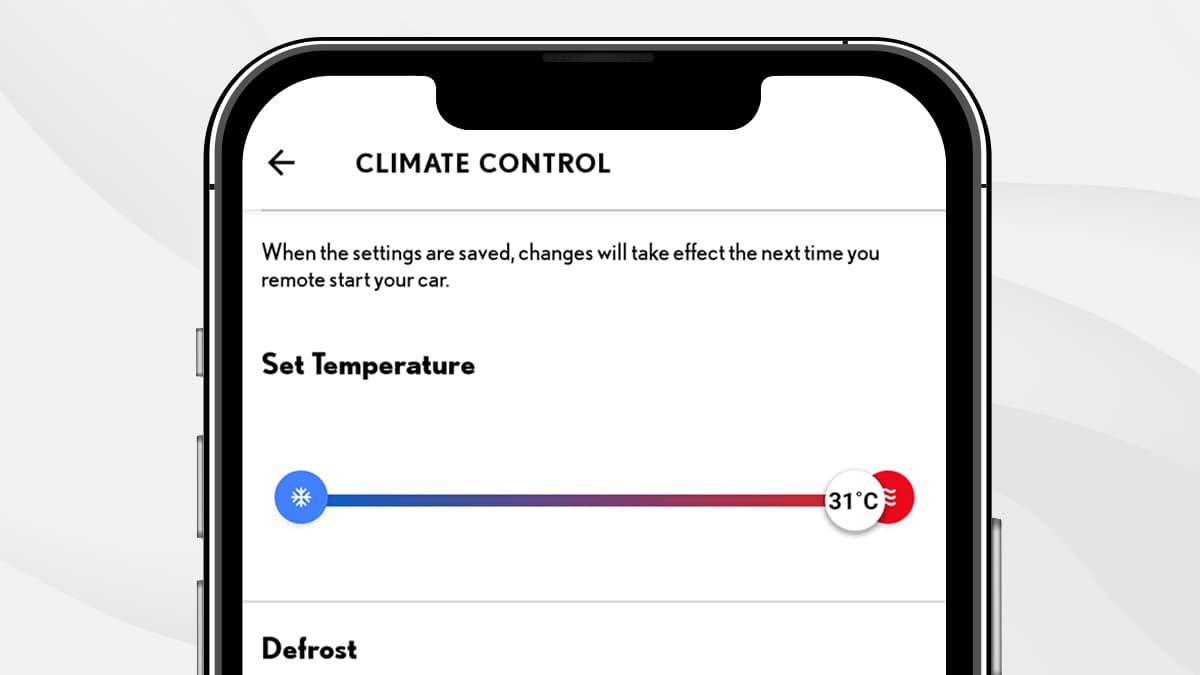
REMOTE CLIMATE CONTROL
Optimize your vehicle's interior climate in advance to ensure immediate satisfaction when you enter your car no matter the temperature outside.
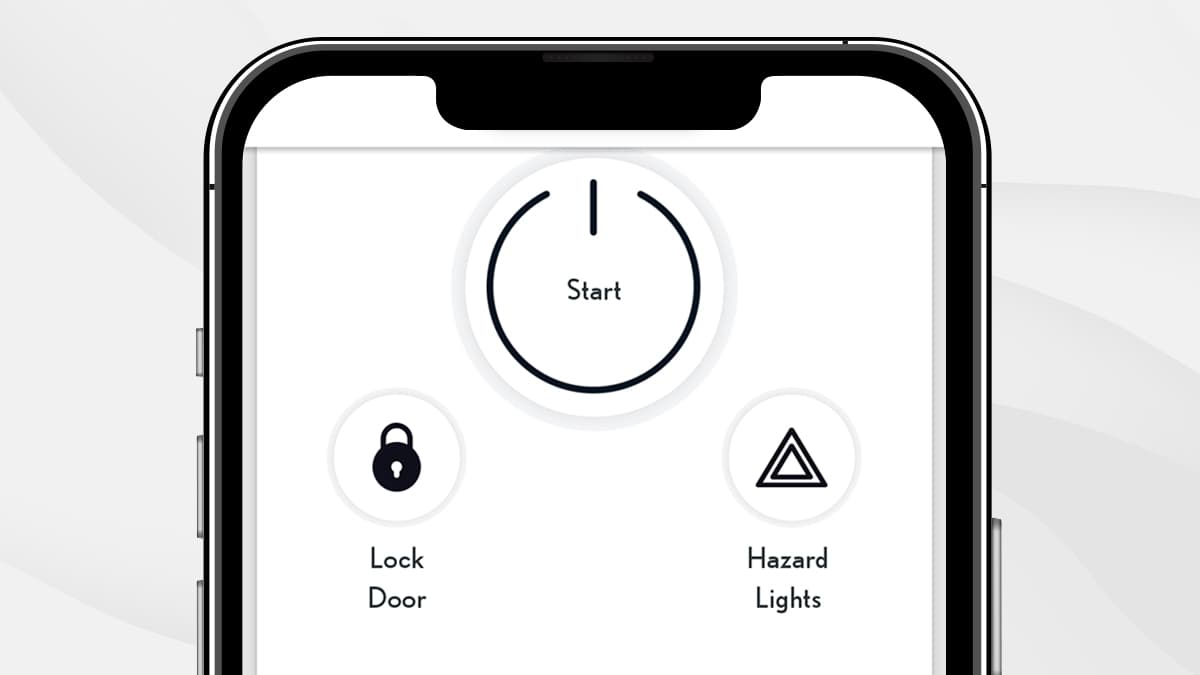
REMOTE LOCKING AND UNLOCKING
Check and operate your vehicle’s locking system from your application.
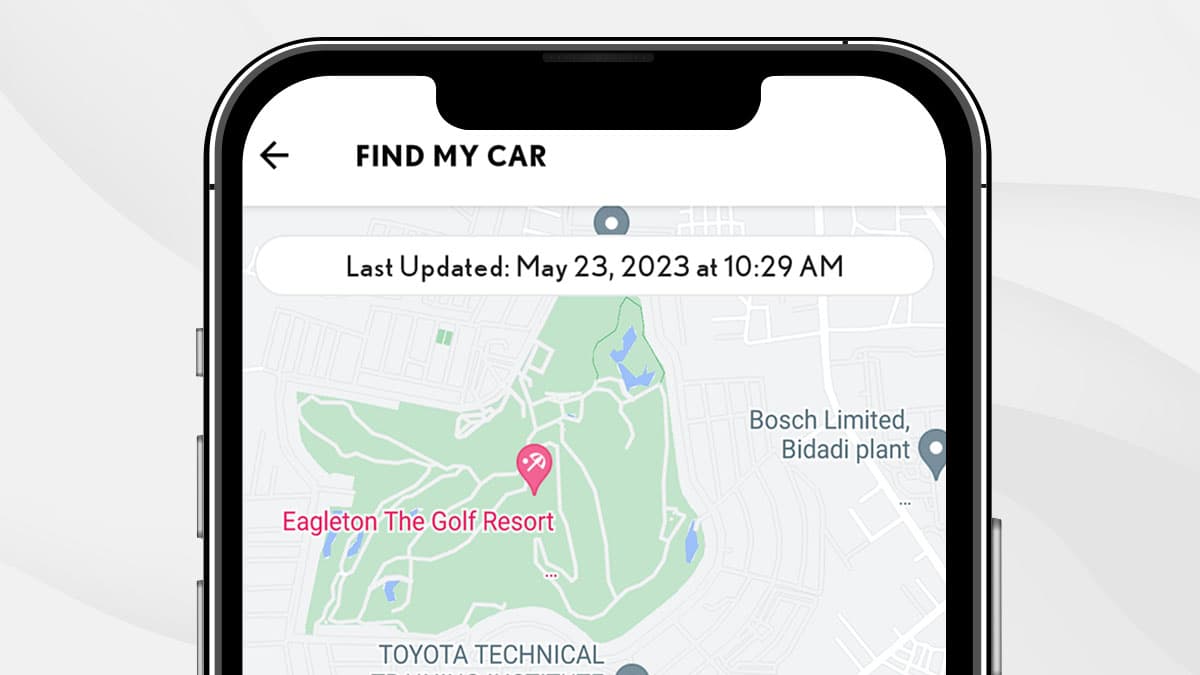
FIND MY VEHICLE FUNCTION
The application uses advanced GPS technology to constantly track your vehicle. With these real time updates, you will always know where your Lexus is located.
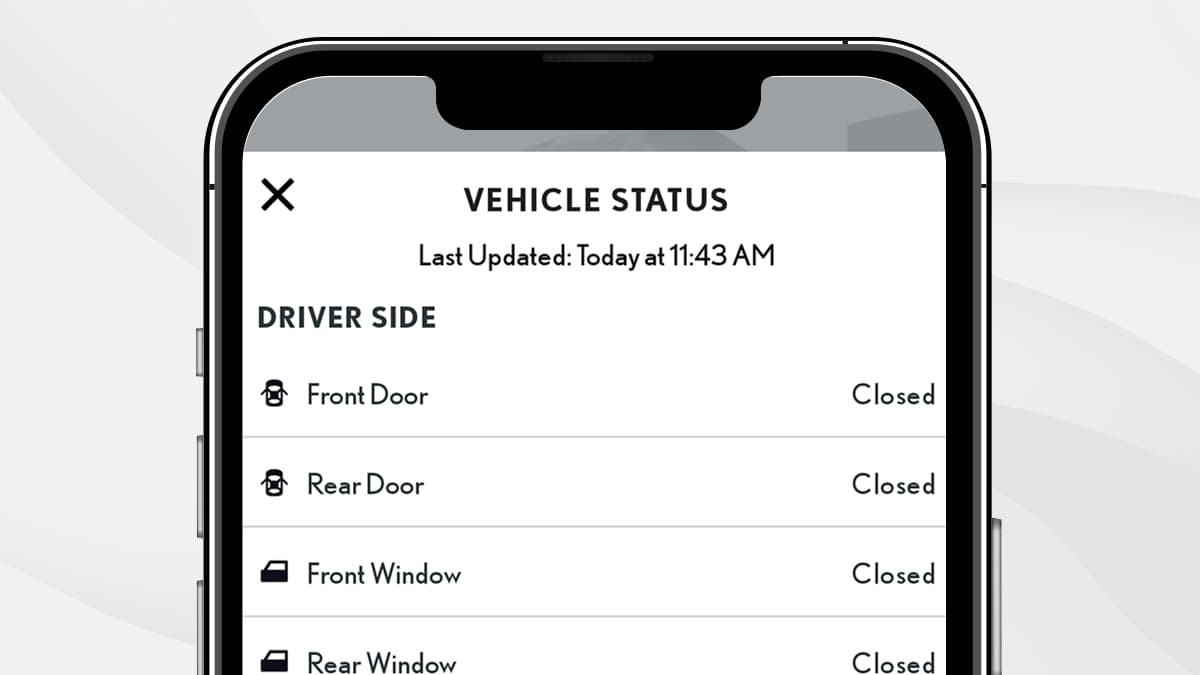
REMOTE STATUS ALERT
Monitor the status of your Standardize to Lexus' key functions anywhere, anytime. Door locks, power windows, and head lamps can all be checked from the Lexus Connect application at your own convenience.
SAFETY CONNECT
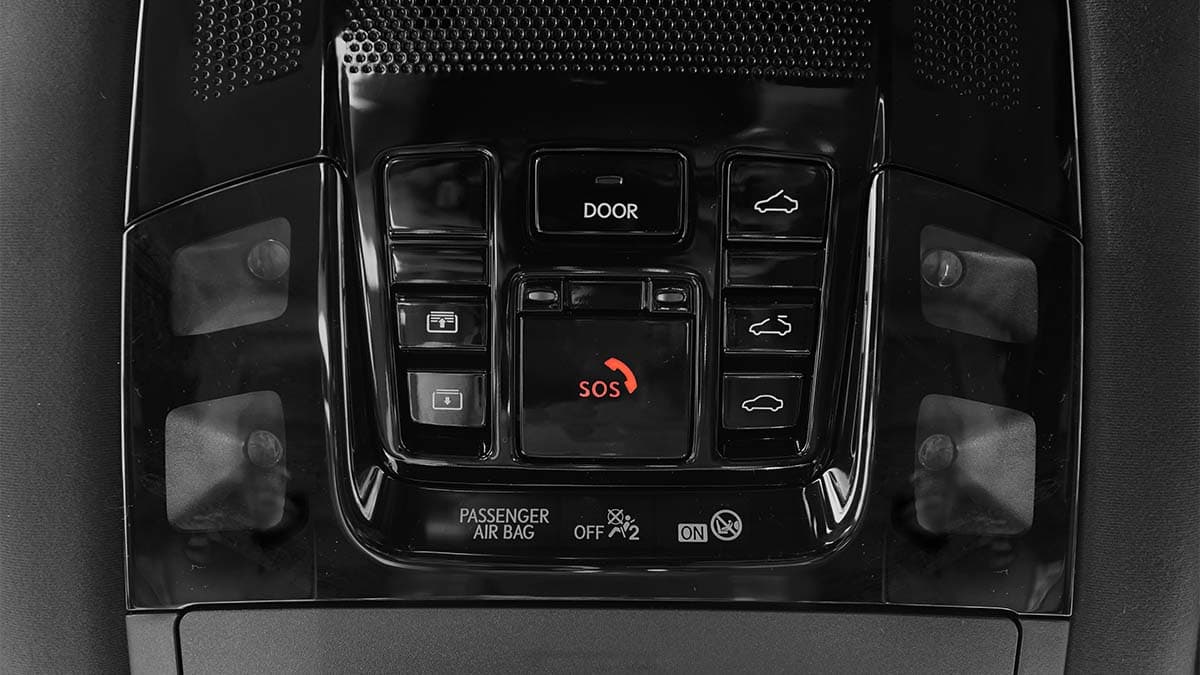
CONVENIENT ACCIDENT ASSISTANCE
With just a press of the Emergency Assistance button, connect to a 24-hour Safety Connect response center agent. The agent can track and send emergency services to your location while offering to stay on the line with you until help arrives.
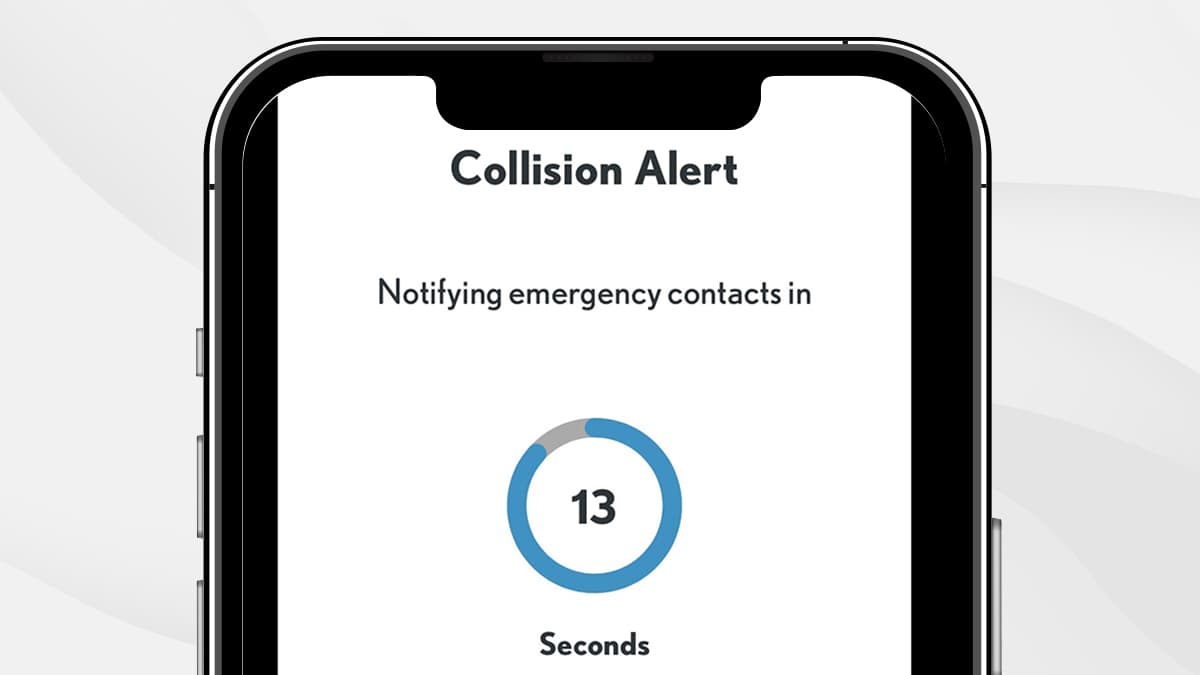
AUTOMATIC COLLISION NOTIFICATION
In the event of an accident, your application automatically connects you to a response center agent. If you are unable to communicate with the agent due to loss of consciousness or other circumstances, the agent will alert emergency services and direct them to you.
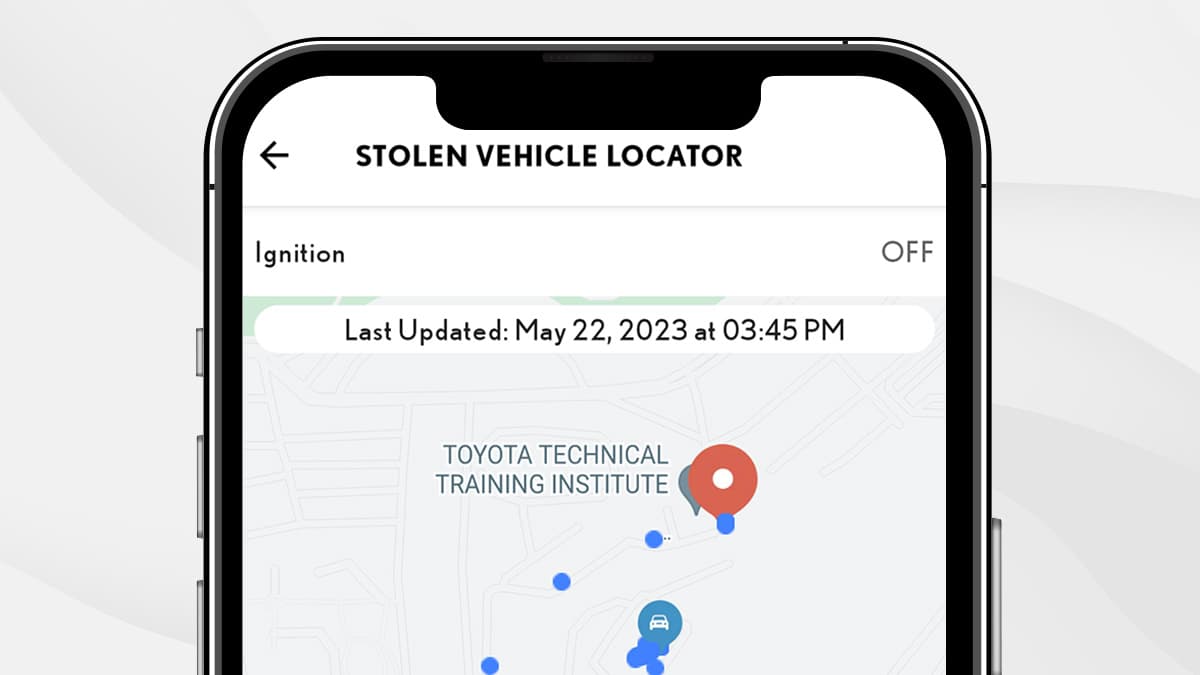
STOLEN VEHICLE TRACKER
Once a police report (FIR) is filed, the Safety Connect response center can work with police to help track and recover your stolen vehicle using embedded cellular and GPS technology.
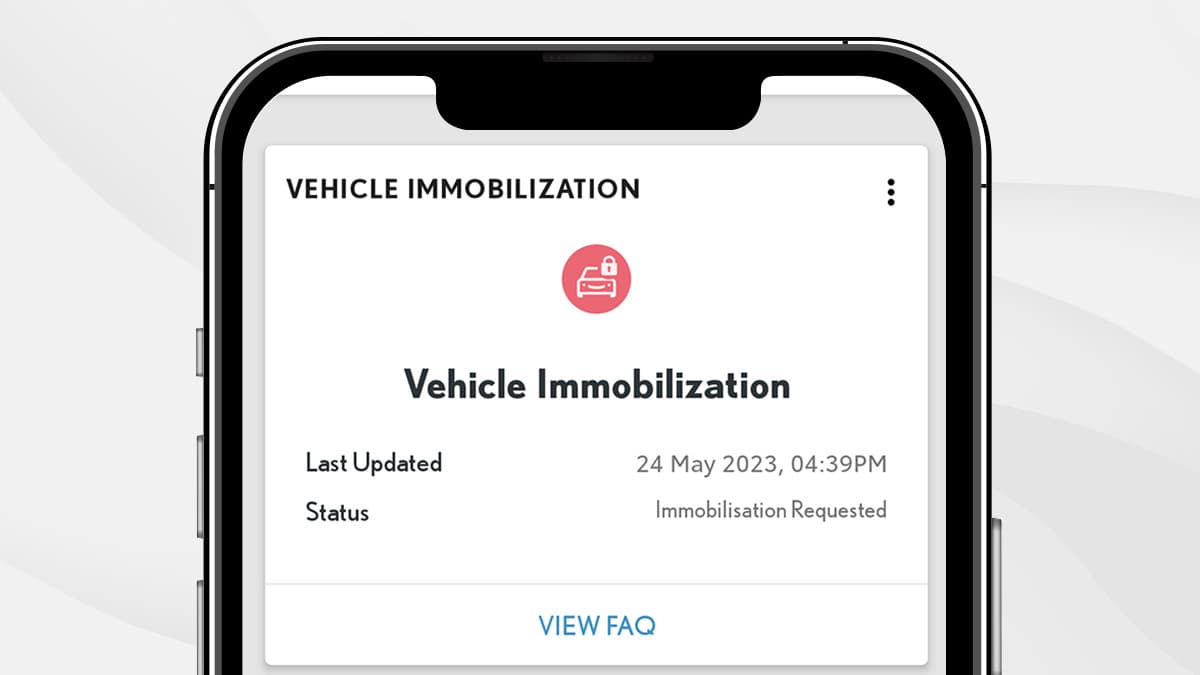
REMOTE IMMOBILIZATION
When operation of the automatic vehicle alarm is triggered due to vehicle intrusion, use the application to request for engine stoppage. This simple solution significantly reduces the risk of your vehicle being taken.
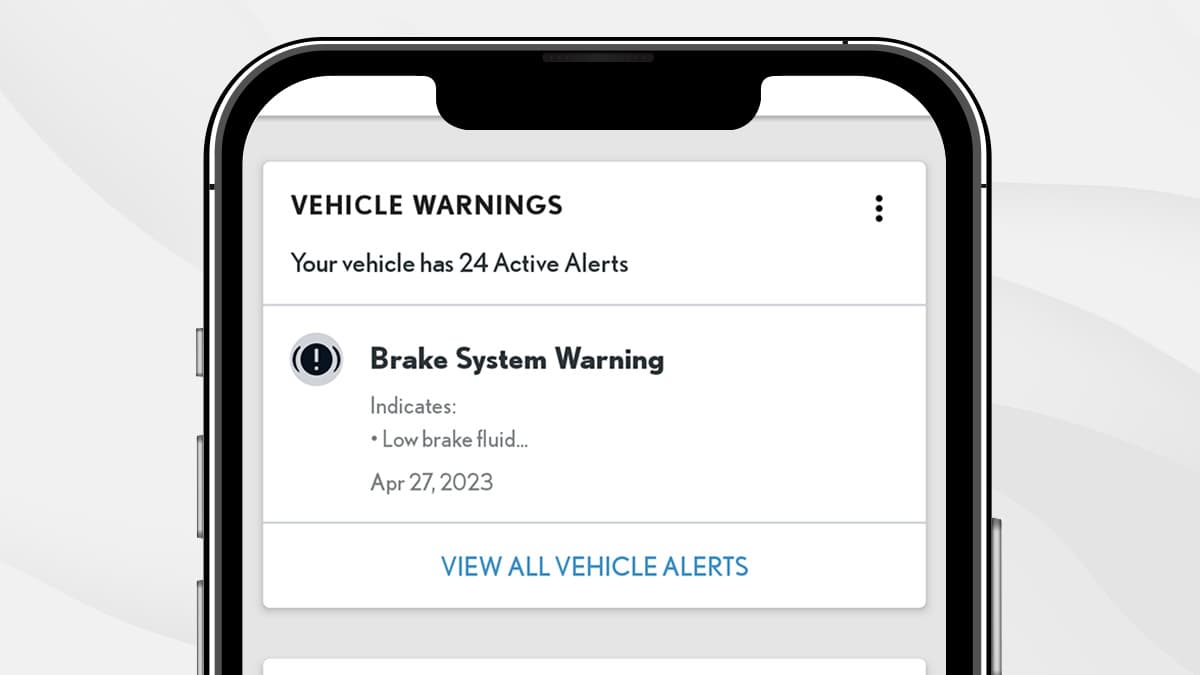
VEHICLE WARNING SYSTEM
Be immediately notified about any critical faults regarding your Lexus through the application’s alerts.
SERVICE CONNECT
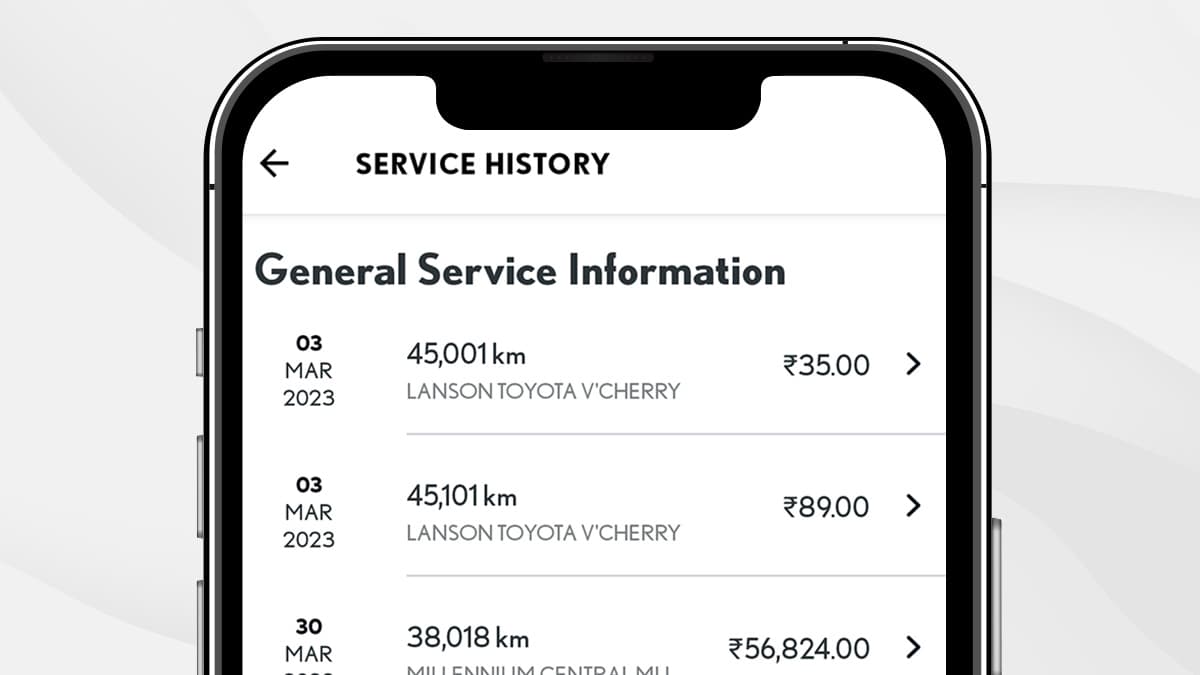
SERVICE HISTORY
View detailed breakdowns of all past vehicle records including dates, type of service, and cost from one easy location on the application.
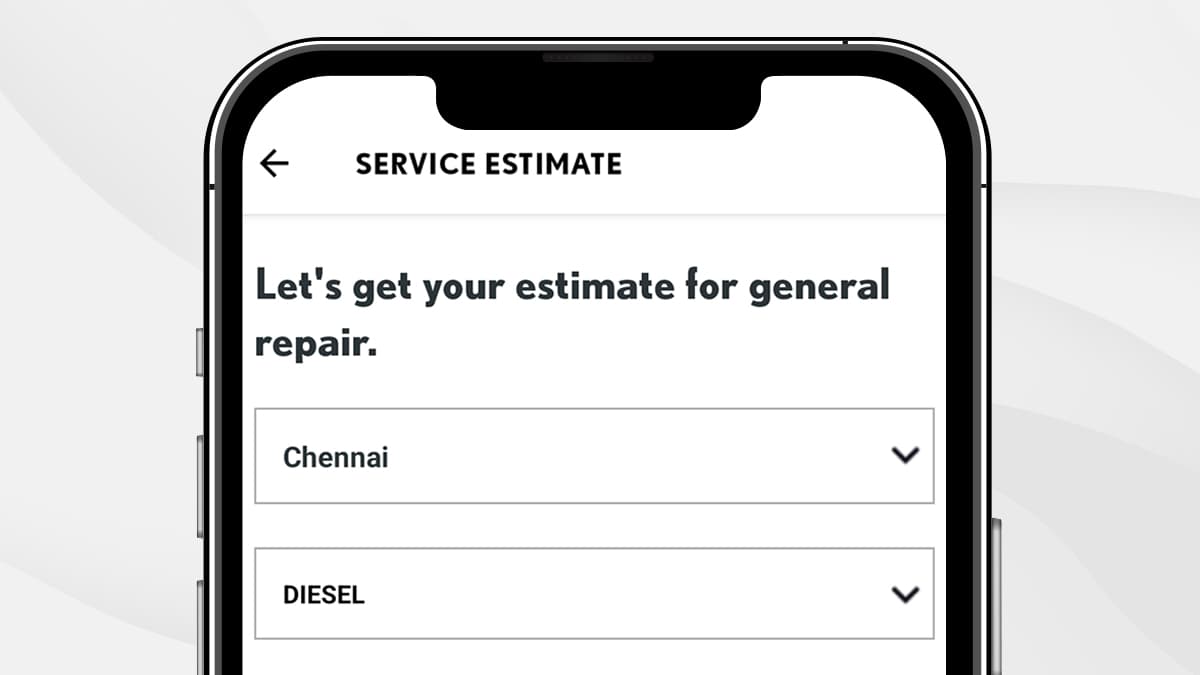
SERVICE ESTIMATE
Access essential information regarding your Lexus with ease. From service types to calculation of associated costs, Lexus Connect allows you to stay in control of your vehicle’s maintenance like never before.
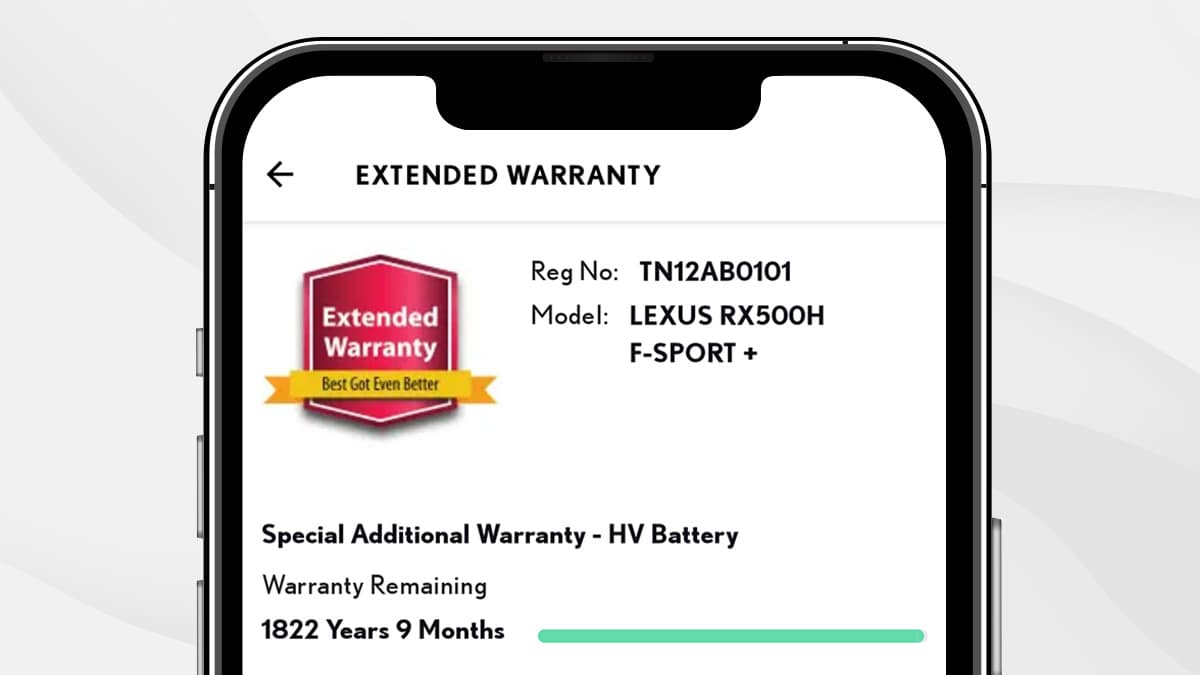
EXTENDED WARRANTY
Meticulously designed to provide you with peace of mind, stay fully informed regarding all warranty-related information by easily accessing it from the application.
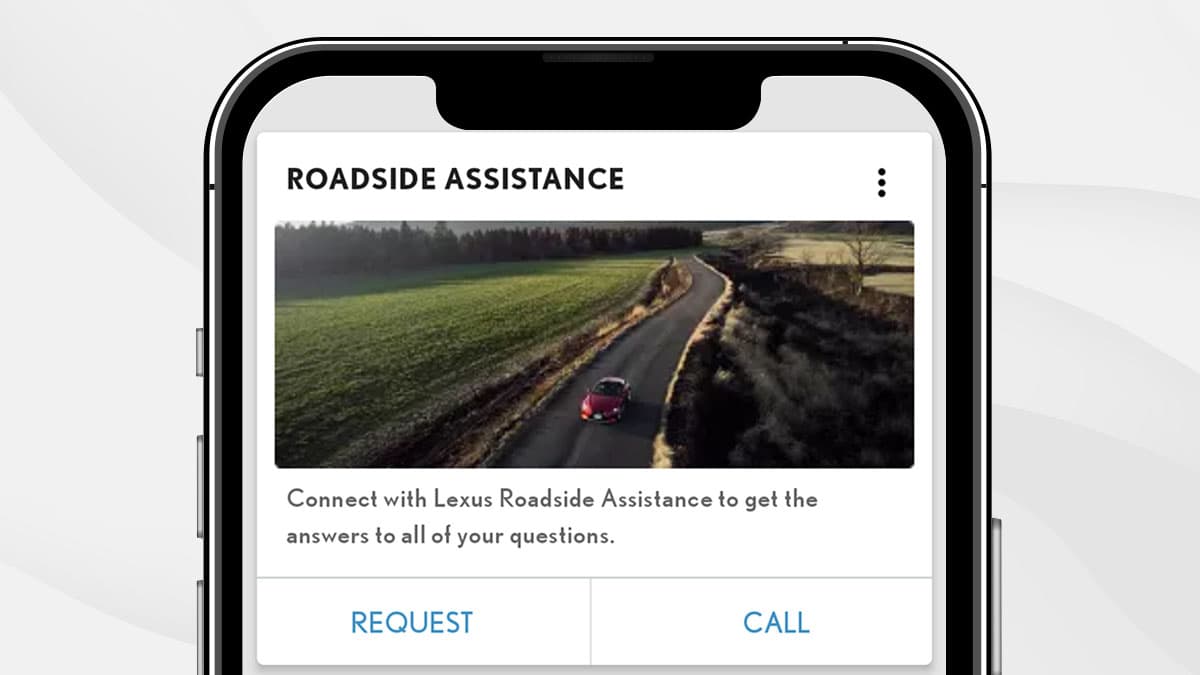
ENHANCED ROADSIDE ASSISTANCE
With the added benefit of GPS technology, we make standard roadside service even more convenient. Whether your vehicle has run out of petrol, has a flat tire, needs to be towed, or requires a jump-start, assistance is just around the corner.
GET CONNECTED NOW
Elevate your driving experience to unprecedented heights with the Lexus Connect application. By seamlessly blending accessibility and unrivaled connectivity, every interaction with your vehicle is refined, luxurious, and effortlessly at your fingertips.


Please refer to the Privacy Policy and Terms of Use .
FREQUENTLY ASKED QUESTIONS
-
What is Lexus India app?
Lexus India app is an intelligent solution to provide an integrated and seamless experience to Lexus vehicle owners.
It offers features/services to intelligently stay connected with your Lexus car.
Depending on the vehicle you own, connected vehicles features and vehicle ownership features will be available in the Lexus India app accordingly.
-
Can all Lexus Guests use Lexus India app?
Lexus India app caters to the needs of all our Guests.
-
What are the features offered in Lexus India app?
Connected vehicle features:
- Remotely check status and control vehicle functions like door, hazard lights, etc.
- Automatic collision notification and e-call safety features
- Finding the parked location of the car
- Alerts and notifications to stay updated about your Lexus vehicle
Vehicle ownership enhancement features:
- Vehicle maintenance estimate info
- Hassle-free vehicle insurance and finance info.
Please note, connected vehicle features will be available only if your vehicle is equipped with a connected device.
-
Are all Lexus India app features free?
Vehicle ownership enhancement features like vehicle maintenance information, insurance information, and Lexus finance info are available for free.
Features to stay connected to your car like remote operations and control, find my car, driver alerts, etc. will be available on a complimentary basis for 3 years from your vehicle purchase.
-
Why does the car take a long time to respond to remote features?
To keep the vehicle battery healthy, we keep the vehicle in a state of sleep when the ignition is switched off.
So, sometimes it may take a little longer for the vehicle to respond to remote commands.
Also, a good network connection is important for remote features to operate.
-
How can I connect a smart watch to the Lexus India app?
Please follow these simple steps to connect your smart watch.
- Download the Lexus Smart Watch application from the respective store.
- Ensure that you have logged in to the Lexus India app on your phone.
For any assistance, please contact our support desk at 1800 300 53987.
-
Can I unlock my vehicle remotely using Lexus India app?
Yes. Door unlock is available in the app if the doors were locked through the app.
-
How can I remotely turn on Front Seat Ventilation?
Seat Ventilation can be turned on remotely by executing the Remote Start Command through the Lexus India Application.
Follow these steps to enable Remote Seat Ventilation through Lexus India App:- Login to the Lexus India Application
- From Dashboard, click on Climate Control Settings
- Enable the Seat Ventilation option
- Click on Save Settings
- Execute Remote Start Command from Dashboard
-
How does the Rear Seat Reminder feature work?
The Rear Seat Reminder is a safety feature designed to alert you if someone or something may have been left behind in the rear seat.
How It Works:
- The system activates when a rear door is opened before the engine is started.
- After driving, if the rear door remains unopened before locking the vehicle, the system detects a potential item or passenger may still be inside.
- You'll then receive a gentle reminder via a mobile notification to check the rear seat.
- This intelligent feature offers added peace of mind — especially when traveling with family or valuables.
-
How does the SOS feature function?
In case of a medical emergency, the vehicle occupant can connect to Emergency Call Center for medical assistance by pressing SOS Button inside the car.
-
How does the Find My Car feature work?
The Find My Car feature helps you to locate the parked location of the vehicle.
Please note the location accuracy depends on the internet connectivity and GPS signal strength in the parked area.
-
What is Auto Collision Notification (ACN)?
In the unfortunate event of an emergency, the emergency contacts saved in Lexus India App will be notified and an automated call will be initiated from the car to Emergency Call Center for medical assistance.
(Emergency Call Center Services are applicable for NX, LM, LX, and RX connected cars.)Note: During an ACN/SOS event, the system makes repeated attempts to connect to the Emergency Call Center.
However, if it cannot connect to the Emergency Call Center due to poor cellular network then the call may end without connecting.
Emergency Call Center team will put their best efforts to arrange medical assistance. However in case the customer location is not serviceable then the same will be communicated to vehicle occupants. -
How does my Enhanced Roadside Assistance work?
You can request Roadside Assistance through the app. Once the request is confirmed you will receive a notification regarding Roadside Assistance team details.
In certain cases, a live tracking link of Roadside Assistance vehicle will be shared with you through notification.
-
Can I access my car service history through the app?
Yes you can access all your car service record and invoice copies by navigating to the service by Lexus section.
-
What is Lexus Extended Warranty?
Owning a Lexus is an advantage in itself. In our constant endeavour to create crafted experiences for you, we have modelled our extended warranty program to be even more gratifying. Now you can experience amazing for an extended period of time.
-
I have trouble using the application. What should I do?
In case of any trouble related to Lexus India app, please contact our support desk at 1800 300 53987.
-
What contact information should I use to register on the Lexus India App?
If you are an existing Lexus India App User please enter the mobile number orID used during the vehicle purchase.
In case you do not remember the same or want to register for the first time as a new user, please input the primary mobile number / email ID provided by you to the Guest Experience Center during the purchase / service process. -
How can I update my mobile number in Lexus India App?
There are three different methods/options available to update your mobile number, which are listed below:
1) By visiting your selected preferred Guest Experience Centre
2) By sending the required documents via email
3) By verifying your mobile number (which is available in our Guest Experience Centre records) through OTP validation.
-
In the Guest Experience Center method to update my mobile numberID, which Center should I visit?
It is always recommended to visit your preferred Guest Experience Centre that was selected or shown during the Lexus India app registration.
-
What are the documents required to update mobile number /ID through email method?
When updating your mobile number through the email method, it is mandatory to send the following documents:
1) Vehicle registration copy
2) Vehicle insurance copy
3) Vehicle sales invoice copy
4) Government-approved personal identity proof.
Q: To which mobile number orID will the OTP be sent for validation?
OTP will be triggered to either your mobile number orID that is associated with the vehicle in the Guest Experience Centre records during the vehicle sales or service process. To get the OTP, you need to select the mobile number orID to which OTP will be sent.
-
What are the other options available if the mentioned documents aren't available for mobile no. update?
In case the required documents are not available, please visit your preferred Guest Experience Centre for further assistance.
-
I'm getting a 'Vehicle Not Found' error while adding a vehicle. what should I do?
If a 'Vehicle Not Found' error message pops up in the Lexus India App, please verify the VIN/Reg No. that was entered during the VIN addition process. OR, alternatively, please visit your preferred Guest Experience Centre for further assistance.
-
How can I determine which mobile numbers my vehicles are/have been associated with?
When creating a new account in the Lexus India App and adding the VIN number (i.e. during the vehicle association process), if the vehicle is not associated with the registered mobile number, a pop-up message will appear in the app displaying the last four digits of the mobile number to which vehicle is associated in our Guest Experience Centre records.
Alternatively, the customer can make use of any options mentioned above in order to get it corrected with actual mobile number -
My old mobile number is not in use, however my vehicles are assigned to it, and now it needs to be updated with my new mobile number. How can I do it in the Lexus India App?
Guest can update their new mobile number by sending the required documents as mentioned in the email method or by visiting the preferred Guest Experience Centre.
-
Whats should I do in case the mobile number updation does not happen through the email method within the defined period?
If the mobile number updation through email method is taking a longer period than expected, Guests can contact our support desk at 180030053987 or visit their preferred Guest Experience Centre for further assistance.
-
I have multiple vehicles linked to the same mobile number. I updated my mobile number using 'Verify through OTP' method. How do I update the others?
When using the 'Verify through OTP' method, the mobile number gets updated only for the selected vehicle.
To update your number for other vehicles:
You will need to add each vehicle manually and repeat the process.
Prefer a quicker option?
Visit your nearest Lexus Guest Experience Centre to update the mobile number for all vehicles at once. -
I have created an account using the wrong mobile number orID how do update my mobile number orID using the Lexus app?
Updating theID and mobile number of the Lexus India App account is not allowed in the app. However, if you have created an account using the wrong mobile number orID by mistake, or you want to create a new Lexus India App account for your vehicles, then the below steps will help to set up a correct account.
i) Remove all the vehicles from the existing account using the 'My Lexus' section.
ii) Delete the account from the account section
iii) Register again with a newID or new mobile number
iv) Add the vehicles to the new account again
-
In the Lexus India app, I can see the vehicle is assigned to a different mobile number. What is the best way to update my mobile number andID?
Please note that, if all the vehicles are associated with your old mobile number, then we recommend making use of the "Verify through OTP" method for new mobile number/email update, as it Is faster, more convenient, and there is no need to depend on the Guest Experience Centre to other methods as mentioned in above sections.
-
I’m getting an error message thatID already exists in the Lexus India app. What should I do?
If you encounter an error message stating that theID already exists in the Lexus India App application during registration, you can proceed to sign into the account using the sameID. For any further assistance, you can contact/visit your preferred Guest Experience Centre.
-
What happens to my old account associated with old mobile number after successful mobile number update of a vehicle?
The vehicle will be automatically removed from the previous Lexus India App account after a successful mobile number update.
-
After mobile number updation through the Lexus India app, will any acknowledgement messages be shared on the old and new mobile number?
Whenever a vehicle is associated with a new mobile number through OTP verification method, a deboarding message (SMS) will be sent to the old mobile number and mobile number updation message (SMS) to new mobile number
-
Can I edit myID and mobile number in my profile account feature?
Currently this feature in profile section Not provided. It may be added in the future.
-
What would be an ideal screen flow to do for Lexus India App registration?
- Download Lexus India App through Play Store or App Store.
- Open the app and click on "Get Started".
- Input the mobile number orID provided by you to the Guest Experience Centre during vehicle purchase or service.
- Input the password in the fields.
-
What is the process to be followed to add a vehicle to Lexus India App Account?
- Log in to the Lexus India App.
- Navigate & tap on the My Lexus tab on the top.
- Tap on the Add Vehicle.
- Based on your preferences, you can add your vehicle through vehicle registration number or VIN/Chassis number.
- Update the correct VIN/Registration number to receive a success notification.
-
What is the process to be followed to update to the new mobile number without visiting Guest Experience Centre?
- Log in using your existing mobile number.
- Go to the 'Account' tab and tap on the Account icon.
- Select the 'Personal Information' section.
- Click on the Phone Number field. A pop-up will appear - kindly confirm by tapping ‘Yes’.
- Choose your preferred verification method from the following four options:
- Visit Dealership
- Email Required Documents
- Verify via OTP
- Upload Documents Online